Publishing channels · WordPress
Publish to WordPress, hands-free
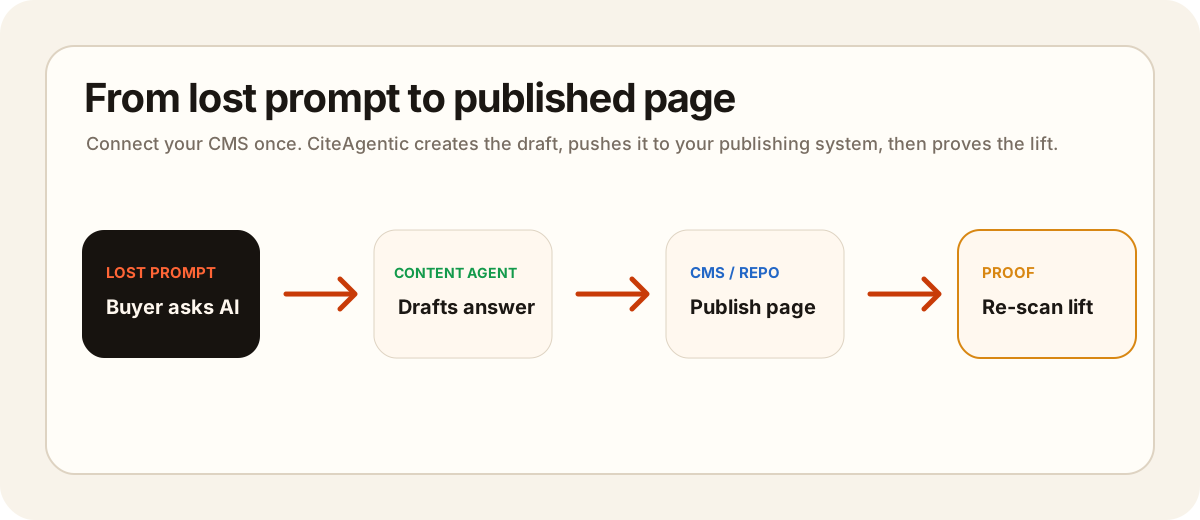
Connect your WordPress site once and CiteAgentic can push approved, scheduled content straight into your blog — as a draft for review, or live. Setup takes about two minutes.
You'll need admin access to the WordPress site you want to publish to.
What you'll need
- A self-hosted WordPress 5.6 or newer site with the REST API reachable at
/wp-json(the default). - Your WordPress username.
- A WordPress Application Password (not your normal login password — WordPress blocks login passwords on the API for security).
Step 1 — Create an Application Password
- Log in to your WordPress admin (
/wp-admin). - Go to Users → Profile, then scroll to Application Passwords. (Direct link:
https://YOUR-SITE/wp-admin/authorize-application.php.) - Enter a name like
CiteAgenticand click Add New Application Password. - Copy the generated password — it looks like
abcd EFGH ijkl MNOP qrst UVWX. The spaces are fine to keep. WordPress only shows it once.
Step 2 — Connect it in CiteAgentic
- In CiteAgentic, open Site Settings → Publishing channels.
- Click + WordPress and fill in:
- WordPress site URL — e.g.
https://blog.acme.com - WordPress username — your admin username
- Application password — the one you just generated
- Publish as —
Draft(review in WordPress first) orPublished(live immediately)
- WordPress site URL — e.g.
- Click Test & connect. A green "Connected as …" confirms it.
How publishing works
- Publish any approved draft on demand from Share ▾ → Publish to your site.
- Or link the WordPress channel to a day in the content calendar and it publishes automatically on that date — no further action.
- Each piece is created as a WordPress post using your draft's title and rendered HTML body. New posts use your chosen Publish as status.
Frequently asked questions
Why not my normal WordPress password?
WordPress core rejects account passwords over the REST API. Application Passwords are the supported, revocable way to grant API access — you can delete one anytime without changing your login.
Where do I find my site URL?
It is the base address of your site, e.g. https://blog.acme.com. CiteAgentic talks to it at /wp-json/wp/v2/posts.
Will posts go live immediately?
Only if you set "Publish as" to Published. The default is Draft, so content lands in WordPress for you to review and publish.
Is my password stored safely?
Yes — credentials are encrypted at rest and never shown again in the app.
Ready to connect?
Head to Site Settings → Publishing channels → + WordPress and paste your username + Application Password.