Publishing channels · Contentful
Publish to Contentful, hands-free
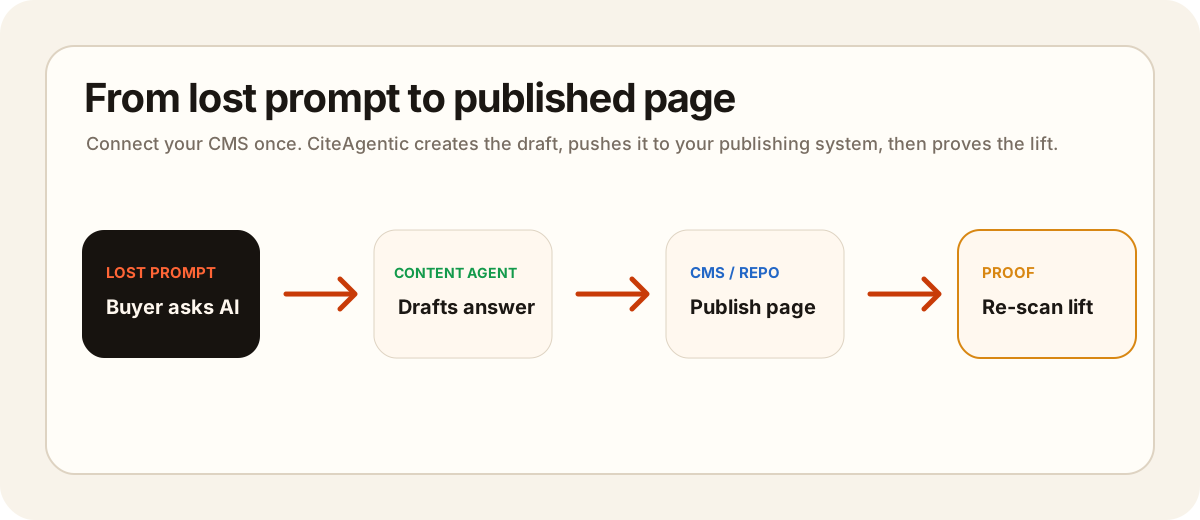
Connect your Contentful space once and CiteAgentic can create approved, scheduled content as entries in your content model — as a draft for review, or published live. Setup takes a couple of minutes.
You'll need admin access to the Contentful space you want to publish to.
What you'll need
- A Contentful space with a content type (model) for your articles — e.g.
blogPost. - The content type's API identifier and the field IDs for its title and body. The body should be a Text (long text) field — point CiteAgentic at it and we write Markdown into it. (Rich text fields aren't supported; they need a special document format.)
- A Content Management token (CMA token).
Step 1 — Create a Content Management token
- In Contentful, go to Settings → API keys.
- Open the Content management tokens tab and click Generate personal token (or create a Personal Access Token from your account settings).
- Give it a name like
CiteAgenticand copy the token — it looks likeCFPAT-…. Contentful only shows it once.
Step 2 — Find your IDs
- Space ID — Settings → General settings → Space ID.
- Environment — usually
master(leave blank to default to it). - Content type ID — Content model → your model → (⋯) → Edit → API identifier.
- Title / body field IDs — the API identifiers of the fields on that model (defaults:
titleandbody).
Step 3 — Connect it in CiteAgentic
- Open Site Settings → Publishing channels.
- Click + Contentful and fill in:
- Space ID, Environment (or leave
master) - Content type ID — e.g.
blogPost - Title field ID / Body field ID — default to
title/body - Locale — defaults to
en-US - Publish as —
Draft(review in Contentful first) orPublished(live immediately) - Content Management token — the
CFPAT-…token from Step 1
- Space ID, Environment (or leave
- Click Test & connect. A green "Connected to content type …" confirms it.
How publishing works
- Publish any approved draft on demand from Share ▾ → Publish to your space.
- Or link the Contentful channel to a day in the content calendar and it publishes automatically on that date — no further action.
- Each piece is created as a Contentful entry using your draft's title and Markdown body. New entries use your chosen Publish as status.
Frequently asked questions
Why a Content Management token and not a Delivery key?
Delivery/Preview keys are read-only. Creating and publishing entries requires the Content Management API, which uses a CMA (personal access) token. You can revoke it anytime.
My body field is Rich text — will it work?
No. Rich text fields store a structured document AST that plain Markdown cannot satisfy. Use a Text (long text) field for the body, or add one to your model and point CiteAgentic at it.
Will entries go live immediately?
Only if you set "Publish as" to Published. The default is Draft, so entries are created unpublished for you to review in Contentful.
Is my token stored safely?
Yes — credentials are encrypted at rest and never shown again in the app.
Ready to connect?
Head to Site Settings → Publishing channels → + Contentful and paste your space ID + Content Management token.