SEO audit software that turns site issues into your next fix.
Find technical and on-page problems, see the affected URLs and decide what to fix first. Keep the evidence and the follow-up scan in the same workflow.
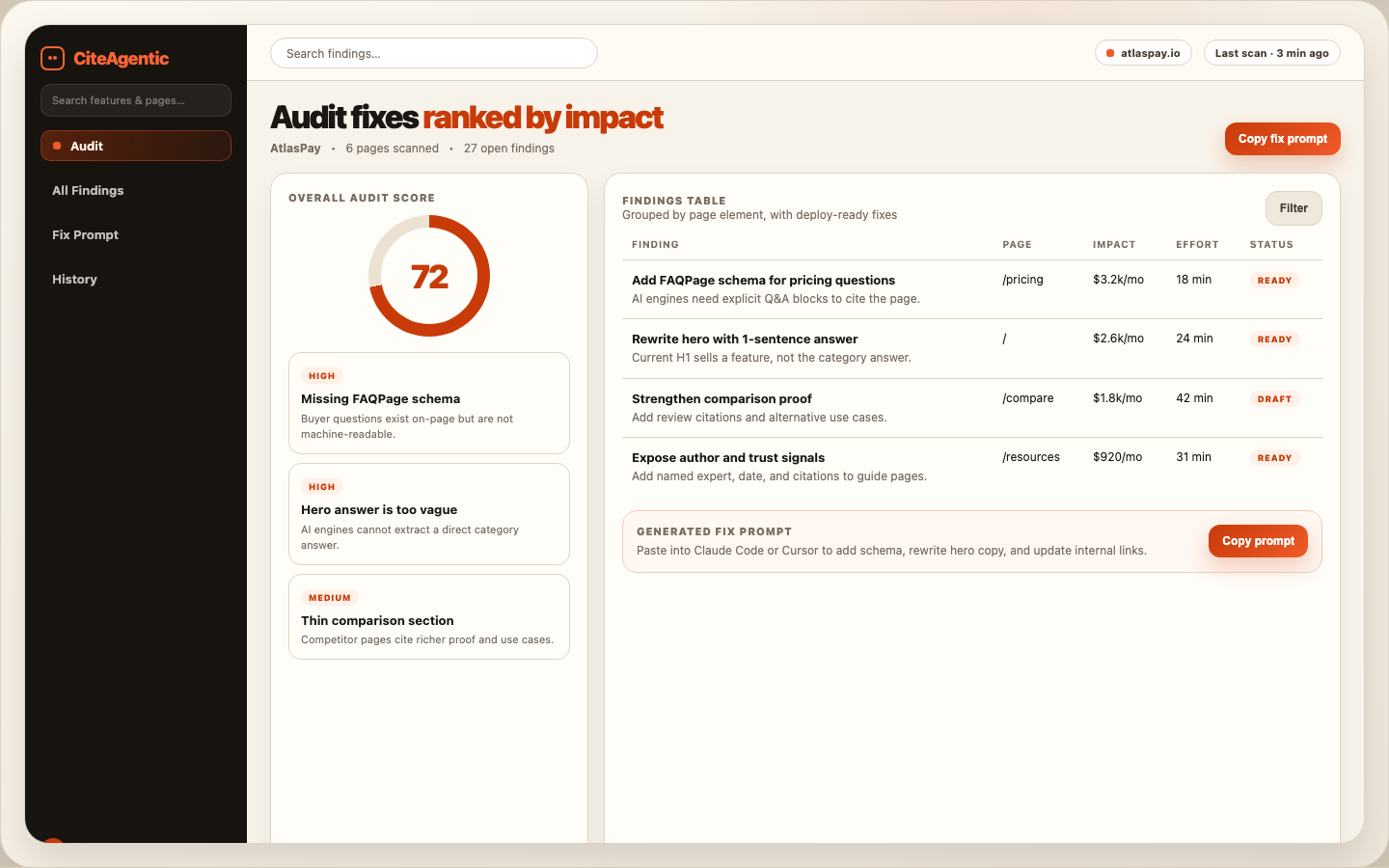
From audit report to a shorter fix queue
Find the access and indexing problems
Review the page evidence
Prioritise the work
Choose the scan depth your site needs
A single-page check is a useful starting point. Deeper scans can assess multiple pages, internal linking, near-duplicate content and thin content within the configured crawl scope. Availability, page limits and AI-assisted checks depend on your plan and scan settings. A crawl is not a promise that every URL on a large site was inspected.
Connect Google Search Console to add available search-performance, sitemap and URL-inspection evidence. These checks use the permissions and data Google makes available. Performance testing is a separate scan; a lab result and real-user field data should be interpreted separately.
A practical fix-and-check workflow
- Run a baseline and inspect the affected URLs, rather than reacting only to a score.
- Choose a high-impact issue you can verify, such as an unintended noindex directive on a service page.
- Apply the change in your website, review it and run a follow-up scan.
- Compare the finding before and after. Measure search traffic and enquiries over time; a passed check is not a ranking guarantee.
Illustrative example: a service page returns a redirect to an unrelated location. Correct the destination, then check the response and canonical again. This is an example workflow, not a customer result.
Free check or ongoing audit software?
Use the free SEO audit for an initial URL diagnostic. Choose the account workflow when you need site context, scan history and a managed queue of issues. For answer structure and evidence gaps, pair it with the page content audit. For observed AI mentions, use the AI visibility checker.